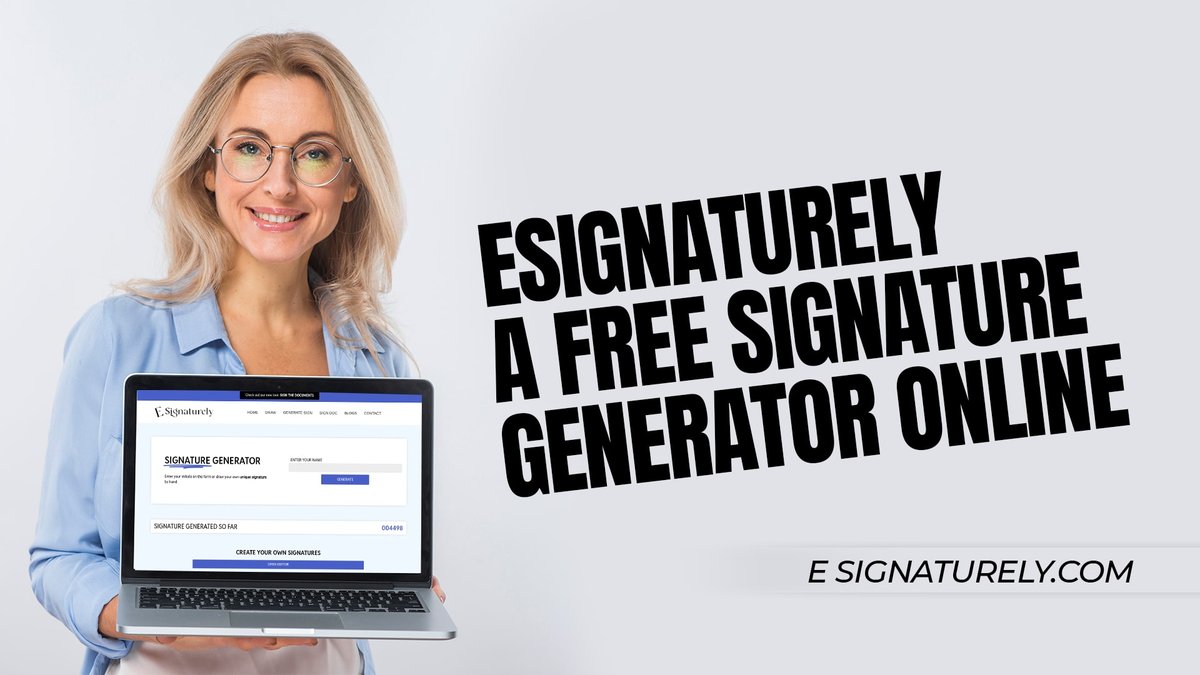
In a world that demands speed and efficiency, the days of printing, signing with a "wet ink" pen, and then scanning a document back into your computer feel like a relic from a bygone era. Yet, for many, this clunky ritual persists. What if you could bypass the paper chase entirely, signing contracts, agreements, and proposals with just a few clicks or taps? You can, and understanding How to Generate & Use Online Signatures is your key to unlocking this modern convenience.
Online signatures, often called eSignatures, aren't just about saving paper; they're about revolutionizing how we interact with digital documents. They're legally sound, incredibly secure, and surprisingly easy to create, transforming cumbersome workflows into seamless digital experiences.
At a Glance: Your Quick Guide to Online Signatures
- What They Are: Digital marks (drawn or typed) signifying your agreement to a document, functioning just like a pen-and-paper signature.
- Their Purpose: To sign everything from contracts and forms to proposals and invoices, all online.
- How They're Made: Use an online generator to draw with a mouse/finger or type your name and pick a font.
- Legality: They are legally binding and admissible in court worldwide, holding the same weight as handwritten signatures.
- Security: Enhanced with cryptographic elements (like public and private keys) that traditional signatures lack, offering superior security.
- Key Benefits: Save time and money, reduce printing, streamline workflows, and sign from any device, anywhere.
Beyond the Pen: What Are Online Signatures, Really?
Imagine your handwritten signature, that unique flourish you’ve perfected over the years, but existing purely in the digital realm. That's essentially an online signature. More formally known as an electronic signature or eSignature, it's a digital mark signifying a person's agreement to a document. While it usually resembles your name, it can technically be any certifiable mark you choose to make your own.
These aren't just fancy digital images; they're integral tools for modern business and personal administration. Their purpose is straightforward: to sign digital documents such as contracts, forms, proposals, Word documents, PDFs, agreements, and invoices. No more printing, signing, scanning, and emailing – just a smooth, entirely digital flow.
Why Ditch the Desk? The Unignorable Benefits of eSignatures
The shift from "wet ink" to electronic signatures isn't just a matter of convenience; it's a strategic move that delivers tangible benefits across the board.
- Unrivaled Efficiency: Remember waiting for documents to be physically mailed, or the frustration of a scanner jamming? eSignatures eliminate these bottlenecks. Documents can be signed and returned in minutes, not days. This streamlines workflows dramatically, accelerating business processes and closing deals faster.
- Significant Cost Savings: The cumulative cost of paper, ink, printing, postage, and even document storage adds up quickly. Adopting online signatures drastically cuts these expenses. Digital records also reduce the need for physical filing cabinets, saving valuable office space.
- Global Accessibility: With an online signature, your location is irrelevant. You can sign a crucial document from your office, a coffee shop across town, or a hotel room on the other side of the world. All you need is an internet-connected device. This flexibility is invaluable for remote teams and international transactions.
- Enhanced Security & Privacy: This might surprise some, but electronic signatures often boast superior security features compared to their paper counterparts. They typically incorporate advanced encryption and authentication methods, such as public and private keys, which make tampering incredibly difficult to detect. Signature generators usually don't save your signature on their servers, adding another layer of privacy.
- Automated Record Keeping: Many signature maker software solutions automate the creation of digital audit trails for signed documents. This means every step—who signed, when, and from where—is meticulously recorded, which is invaluable for legal compliance and easy retrieval, eliminating the need for bulky physical paper records.
Legally Binding? Yes, and How!
One of the most common questions surrounding online signatures is their legal standing. The good news? eSignatures are legally valid worldwide across various industries, functioning identically to "wet ink" signatures on paper. They are admissible in court and legal processes, possessing the same legal validity and format as handwritten signatures.
In the United States, the Electronic Signatures in Global and National Commerce (ESIGN) Act, enacted in 2000, granted electronic signatures the same legal status as handwritten signatures. Similar legislation exists globally, such as the eIDAS regulation in the European Union, reinforcing their legal enforceability. This means you can confidently use an online signature for nearly any document that would traditionally require a physical signature, from real estate contracts to employment agreements.
The key to their legal weight often lies in the associated metadata and security features. A well-implemented eSignature solution records not just the visual mark but also information like the signer's IP address, timestamps, and an audit trail, providing strong evidence of intent to sign and document integrity.
Your Signature, Digitized: Step-by-Step Creation
Ready to make your mark without the mess of ink? Generating an online signature is straightforward. Most online signature generator tools offer similar processes, giving you flexibility in how your digital mark appears.
Step 1: Choose Your Canvas – Access an Online Signature Generator
Your first move is to find a reputable online signature generator tool. A quick search will reveal many options, from standalone web apps to features integrated into larger document management platforms. These tools are designed for ease of use, often requiring no downloads or complex setups.
Step 2: Pick Your Style – Draw It or Type It
Once on the generator, you'll typically be presented with two primary methods to create an online signature:
- Draw Your Signature: This is ideal if you want your online signature to closely mimic your actual handwritten one. You'll use your mouse, trackpad, finger (on touchscreens), or a stylus to literally "draw" your signature within a designated box. Think of it like signing on a digital pad.
- Type Your Name: If precision isn't your priority or you prefer a cleaner, more legible look, you can type your full name. The tool will then render it in various fonts, giving it a stylized, official appearance.
Step 3: Customize Your Mark
This is where you personalize your digital signature. Whether you've drawn it or typed it, most generators offer customization options:
- For Drawn Signatures: You can often change the marker type (e.g., pen, marker), size (thickness), and color. This lets you match your usual pen color or choose something distinct.
- For Typed Signatures: You'll typically have a wide selection of font styles, sizes, and even spacing options to get the look you desire. Experiment until it feels just right.
Step 4: Save for Future Use
After you've perfected your signature, the tool will usually prompt you to save it. While some advanced platforms might store it securely for you (often requiring an account), simpler generators might mean you're saving it to your local device. Always check the tool's privacy policy regarding data storage.
Step 5: Download Your Digital Signature
Once saved, you'll usually have the option to download your created signature in various preferred file formats. Common choices include:
- JPEG/JPG: A widely supported image format, good for general use.
- PNG: Similar to JPEG but supports transparent backgrounds, which is excellent if you plan to overlay your signature on documents without a distracting white box around it.
- PDF: Some generators allow downloading the signature embedded in a simple PDF, though this is less common for just the signature image.
- SVG: A vector graphic format, meaning it can be scaled to any size without losing quality – ideal for professional use where resizing might occur.
Choose the format that best suits where you'll be using the signature. PNG with a transparent background is often the most versatile for document integration.
Applying Your Mark: Using Your Online Signature in Documents
Once your signature image is generated and downloaded, the next crucial step is to apply it to your digital documents. This process varies slightly depending on the document type and software you're using.
1. Directly Within Document Management Platforms
Many modern document platforms (like those for PDF editing, contract management, or cloud storage) have built-in eSignature functionalities.
- Upload Your Signature: Within these platforms, you'll typically find an option to "add signature" or "sign." You can then either draw a new signature on the spot, type one, or upload your pre-made signature image file (e.g., the PNG you just downloaded).
- Drag and Drop: Once uploaded, you can usually drag and drop your signature image directly onto the appropriate signature line in your document. You can then resize and position it perfectly.
- Sign & Share: After placement, the platform will guide you through finalizing the document. Signed documents can then be converted to desired formats (e.g., PDF, Word) and shared via email, shareable links, or direct download.
2. Manual Insertion into Word Processors or Image Editors
If you're using a basic word processor (like Microsoft Word or Google Docs) or an image editor, the process is a bit more manual but still effective.
- For Word/Google Docs:
- Open your document.
- Place your cursor where the signature needs to go.
- Go to
Insert > Picture(orImagein Google Docs) and select your downloaded signature file. - Once inserted, you can resize the image and adjust its wrapping options (e.g., "Behind text" or "In front of text") to position it precisely over a signature line without affecting your document's layout.
- For PDFs (without a dedicated eSignature tool):
- Open the PDF in a viewer that allows annotations or image insertion (many free PDF readers now offer this).
- Look for an "Add Image" or "Stamp" tool.
- Upload your signature file and then place it where needed.
- Save the PDF with your added signature. Note: This method might not add the sophisticated audit trail of dedicated eSignature platforms, so use it for less formal documents or when you're sure of the legal implications.
Important Note: Users are responsible for ensuring their generated signature complies with legal requirements for binding documents. While the act of signing digitally is legally sound, the context in which it's used still matters. Always be clear about your intent to be bound by the document.
Beyond the Basics: Advanced Tips & Best Practices
Generating and using your online signature is just the beginning. To truly leverage this powerful tool, consider these best practices:
- Consistency is Key: While you can technically create many different online signatures, for professional documents, it's wise to stick to one consistent digital signature that closely matches your traditional one. This helps maintain a professional image and reduces potential confusion.
- Secure Storage: Your signature image is like a stamp of your identity. Store it securely on your device, perhaps in an encrypted folder, and avoid leaving it on shared computers. If you use a cloud-based eSignature service, ensure it has robust security measures.
- Read Before You Sign: This might seem obvious for paper documents, but it's equally, if not more, crucial for digital ones. Always thoroughly review the entire document before applying your online signature. Digital signing can feel quicker, but the legal implications are just as serious.
- Understand Platform Features: If you're using a comprehensive eSignature platform, delve into its features. Many offer additional security layers like multi-factor authentication for signers, tamper-evident seals on signed documents, and detailed audit trails. These features add significant legal weight and security.
- Consider a "Digital Signature" for Higher Security: While often used interchangeably, "electronic signature" and "digital signature" have distinct technical meanings. An electronic signature is a broad term for any electronic mark of intent. A "digital signature" is a specific type of eSignature that uses cryptographic techniques (public key infrastructure) to bind an identity to a document and ensure its integrity. If you're dealing with extremely sensitive legal documents, a platform offering true digital signatures provides the highest level of non-repudiation and security.
- Educate Your Team: If you're implementing eSignatures in a business context, ensure your colleagues understand how to generate, use, and verify them correctly. Training can prevent errors and maximize efficiency.
Clearing the Air: Common Questions About Online Signatures
Even with their widespread adoption, online signatures can still raise questions. Here are some quick answers to common concerns:
Is an online signature truly legal?
Yes, absolutely. Laws like the ESIGN Act in the U.S. and eIDAS in the EU grant electronic signatures the same legal validity as traditional handwritten signatures. They are admissible in court.
Are online signatures secure?
Yes, typically more so than handwritten ones. Electronic signatures feature enhanced security elements, such as public and private keys, which create a tamper-evident seal. This makes it easier to detect if a document has been altered after being signed. Reputable generators don't save your signature on their servers.
Can I use my online signature for official government documents?
For many government forms, yes. However, always check the specific requirements of the government agency or department. Some might require specific types of digital signatures or unique authentication processes.
What's the difference between an electronic signature and a digital signature?
An electronic signature is a broad legal term for any electronic sound, symbol, or process attached to or logically associated with a record and executed or adopted by a person with the intent to sign the record. A digital signature is a specific type of electronic signature that uses cryptography to secure and verify the authenticity of a document, offering a higher level of security and assurance of integrity.
What if my drawn signature doesn't look perfect?
It doesn't have to be a masterpiece. A signature is a unique mark signifying agreement. As long as it's identifiable as yours and created with intent, its aesthetic perfection isn't a legal requirement. Many people opt for typed signatures for this very reason.
Do I need special software to create one?
You can use a free online signature generator for creation. To apply it to documents, you might use a PDF editor, word processor, or a dedicated eSignature platform, many of which offer free tiers or trials.
Can someone steal my online signature?
Like any form of identity, there's always a risk. However, your signature image itself is less valuable to a fraudster than your actual credentials (like passwords or IDs). When signing through secure platforms, the signature is often encrypted and linked to an audit trail, making simple "theft" of the image less impactful for fraudulent signing. Practice good digital hygiene, like strong passwords and using reputable tools.
Ready to Sign Smarter?
The digital age demands digital solutions, and online signatures are a prime example of how technology can simplify our lives and improve our workflows. From reducing paper waste and saving money to boosting efficiency and enhancing security, the benefits are clear and compelling.
By following the simple steps to generate and apply your unique digital mark, you're not just adopting a new tool; you're embracing a more efficient, secure, and modern way of doing business and managing your personal affairs. So go ahead, close that printer tray, put away the scanner, and step into a world where your agreement is just a click or a tap away. The future of signing is here, and it's remarkably frictionless.